Connect your marketplaces.
Sign in or paste an API key for each channel, once. Credentials are encrypted before they are stored.
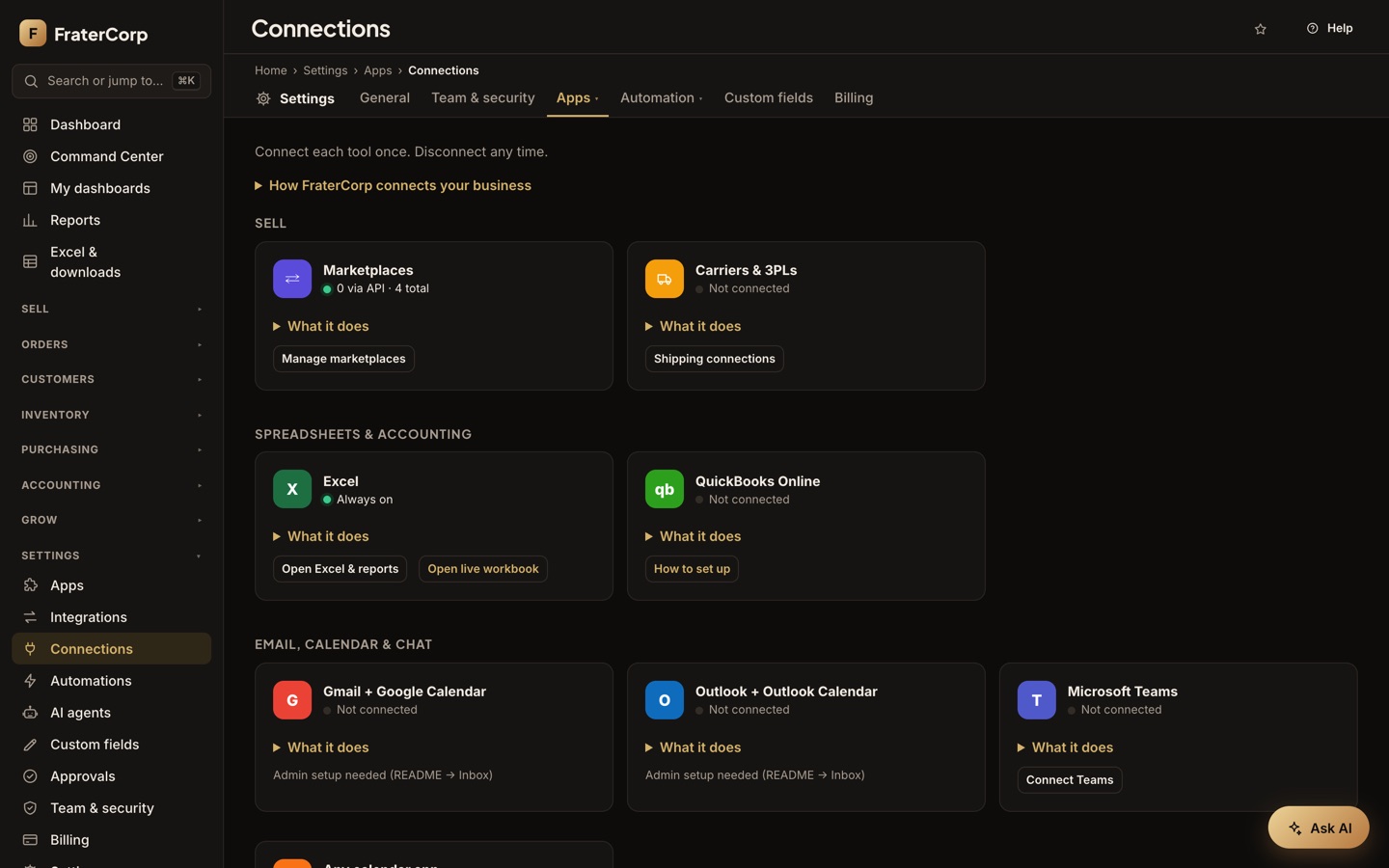
Amazon, Shopify, eBay, Walmart and four more channels in one workspace. Orders, stock, Excel and customers stay in sync.
Works with the channels you already sell on
 Amazon
 Shopify


 Etsy
 TikTok Shop
Sign in or paste an API key for each channel, once. Credentials are encrypted before they are stored.
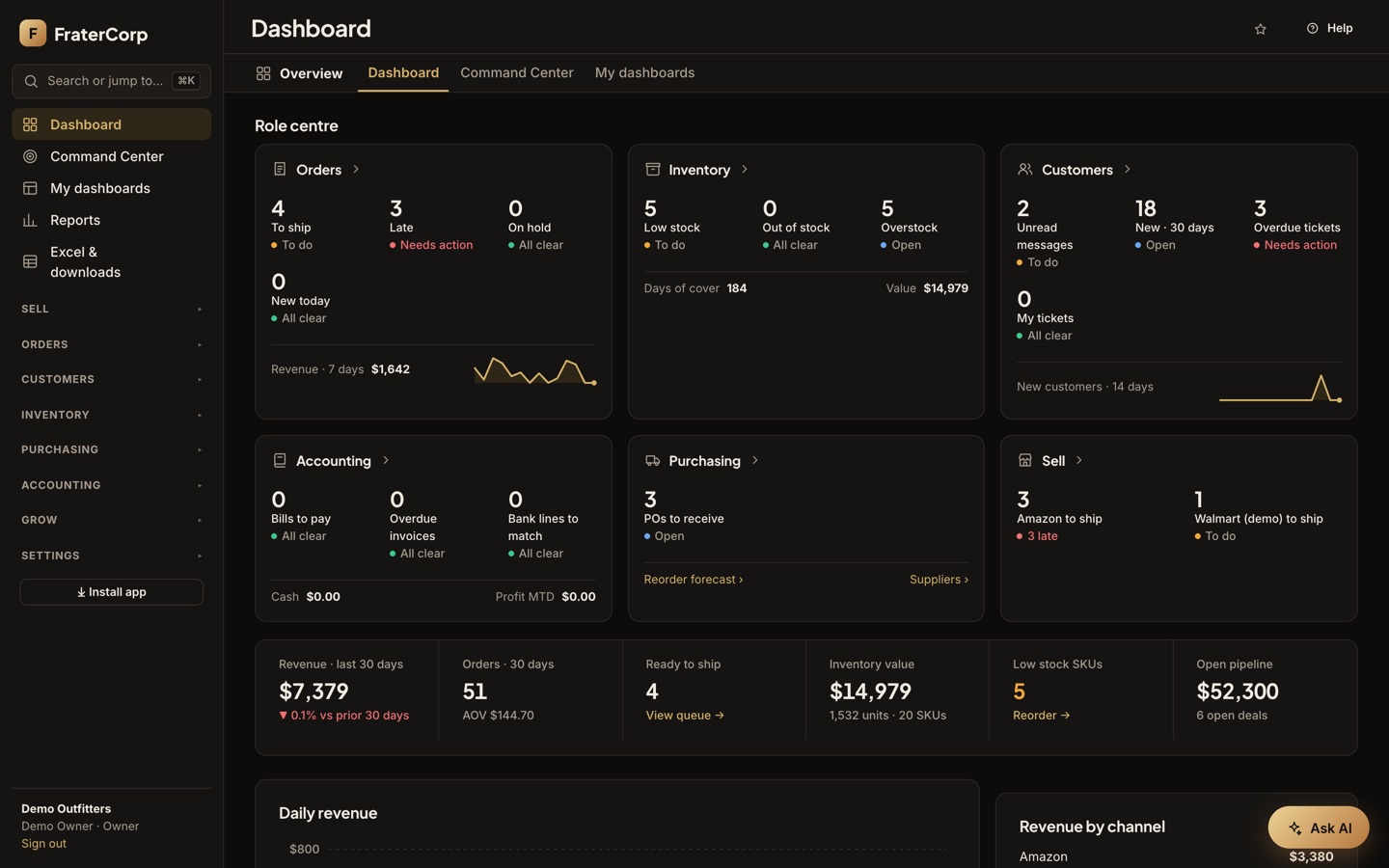
New orders arrive on their own, every 15 minutes by default. Stock levels go back to every channel, so overselling becomes rare.
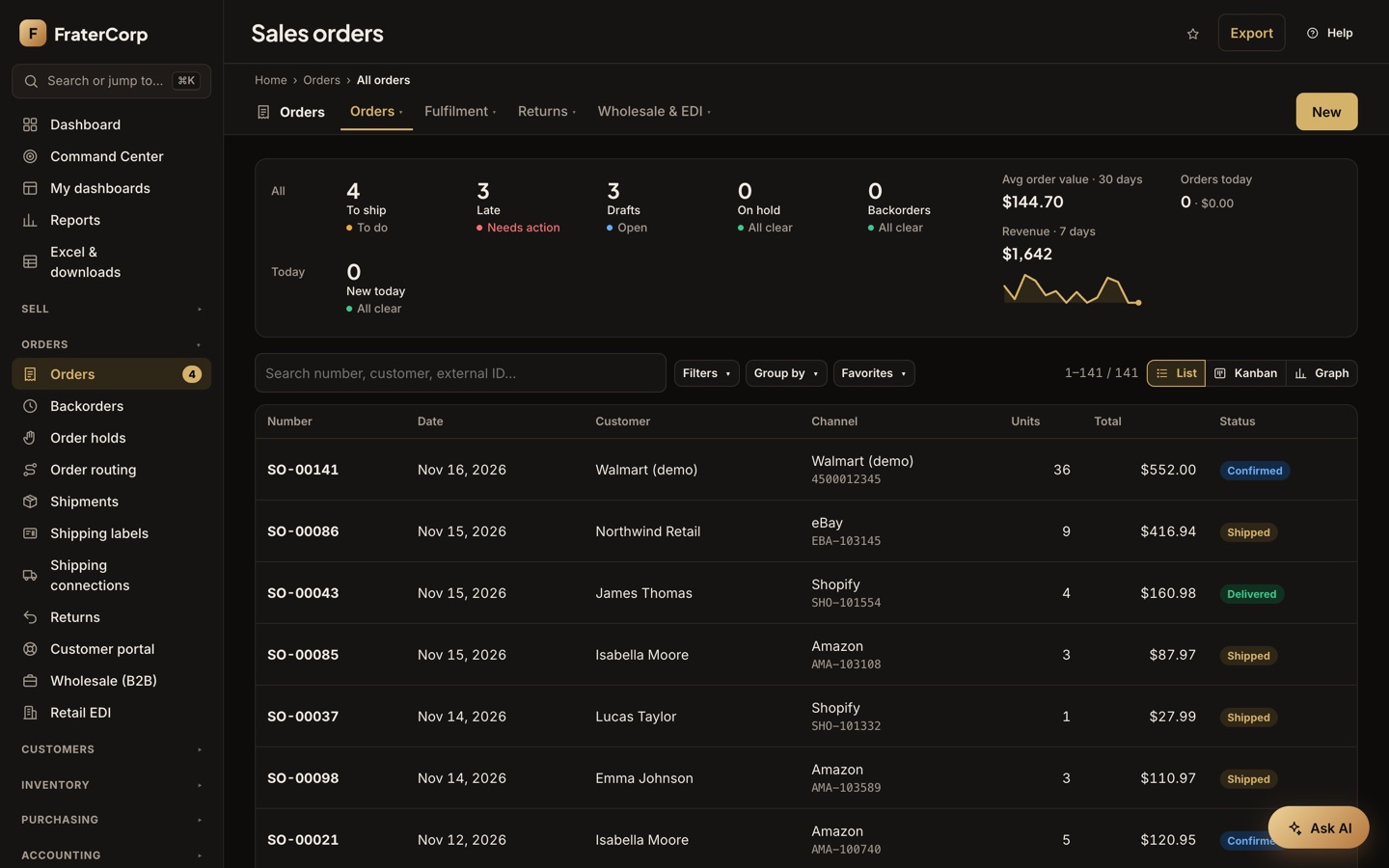
A live workbook of daily orders per platform, plus a dated copy saved every day. Upload catalogs and stock from .xlsx, .csv, .txt, .ods or .json.
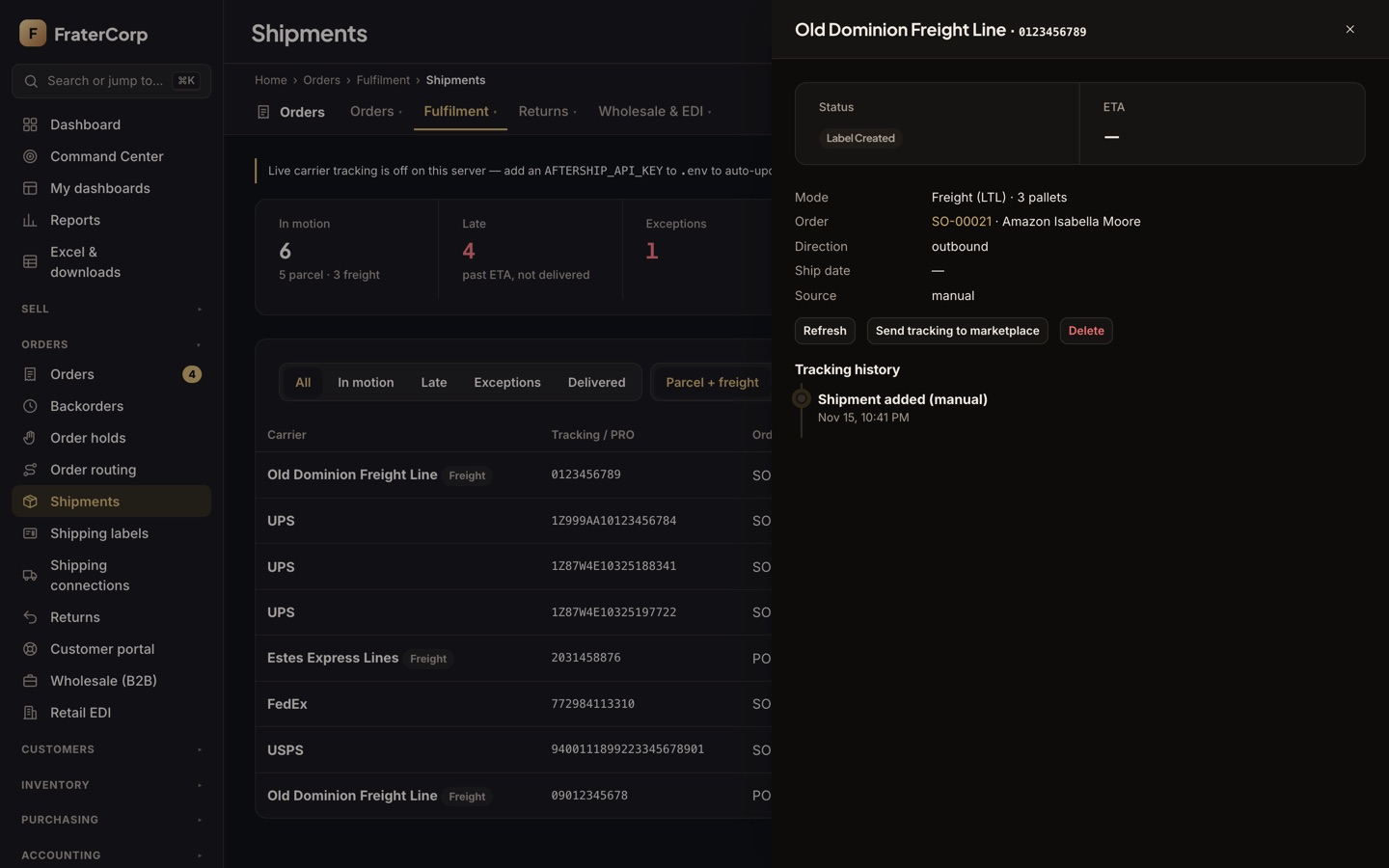
UPS, FedEx and USPS parcels next to LTL freight PROs. Send tracking back to the marketplace in one click.
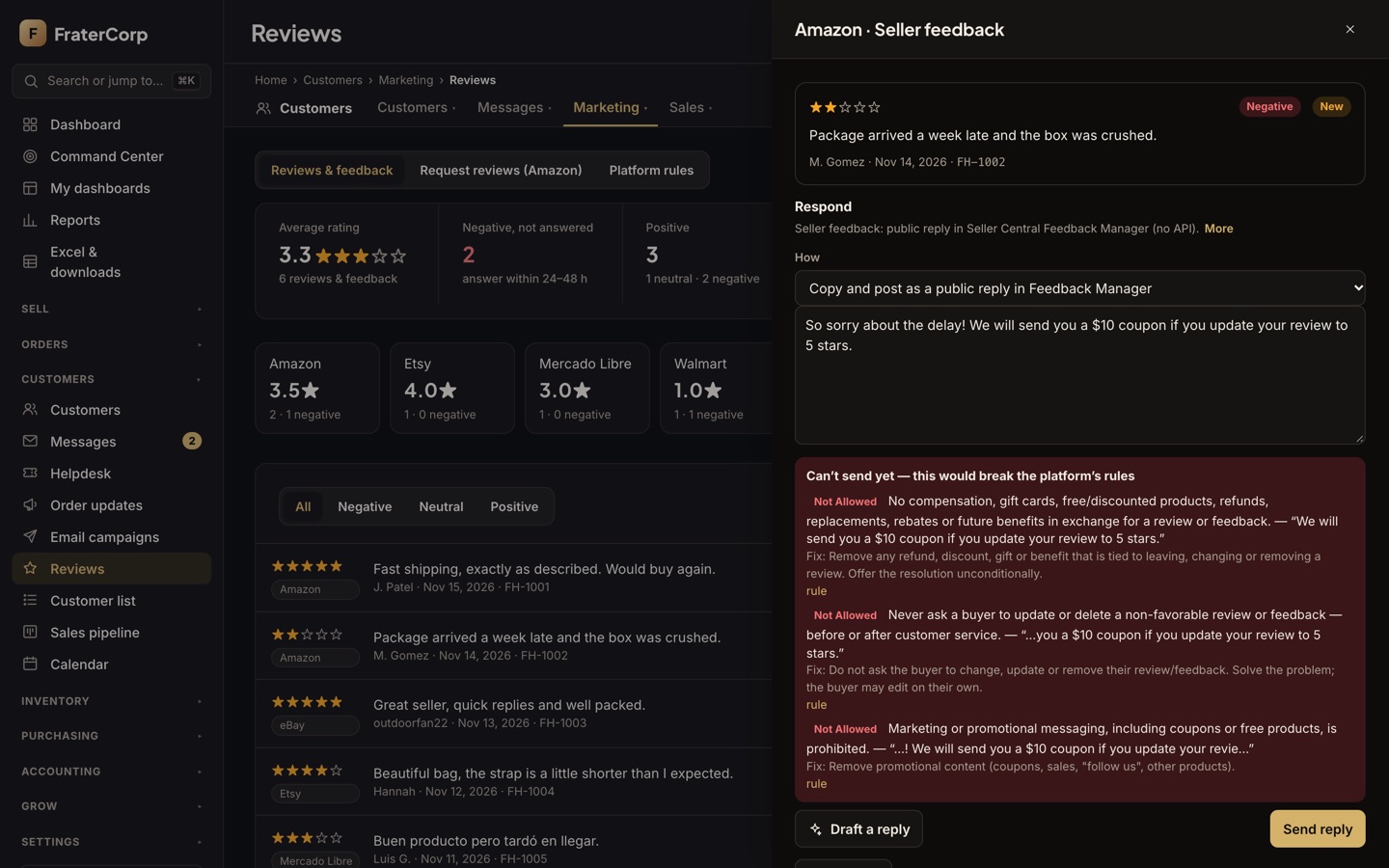
Every review reply is checked against the platform's policy before it goes out, so a well-meant reply never offers a coupon for a better rating.
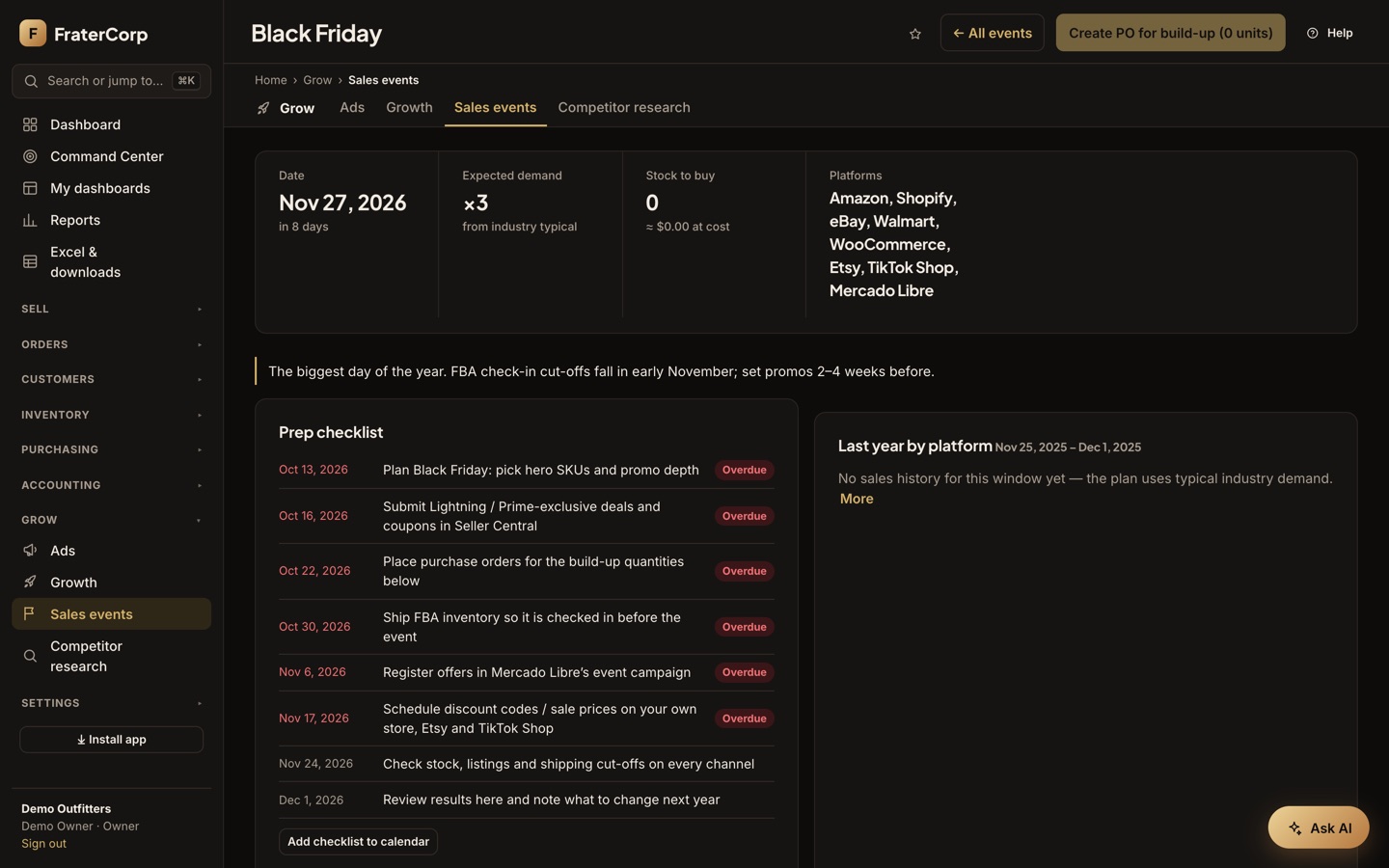
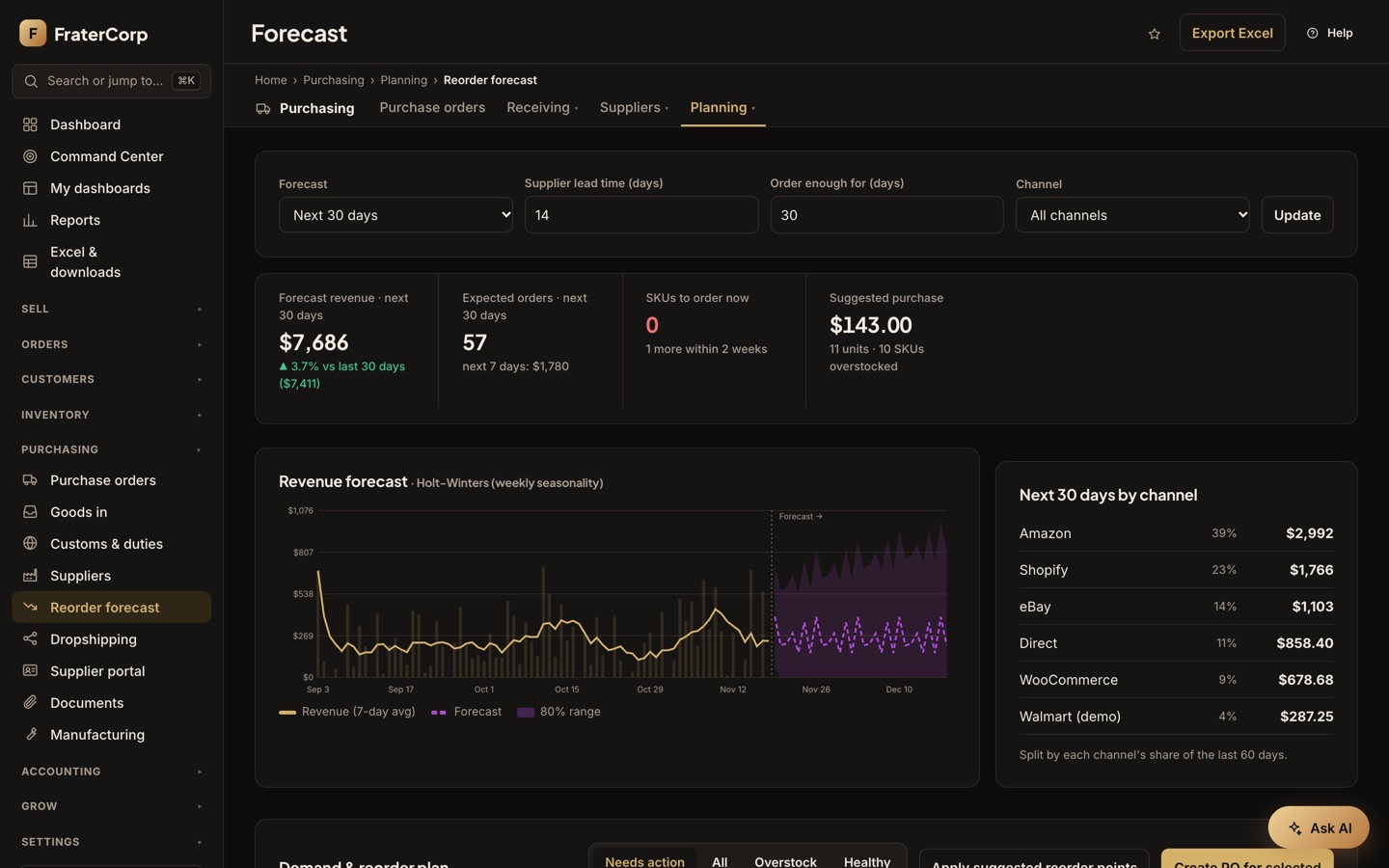
Forecasts use your sales, weekly patterns and supplier lead times. Prime Day, Black Friday and Cyber Monday come with a prep checklist.
Each channel talks to your FraterCorp workspace. Your workspace keeps everything else in step.
Orders in, stock out, tracking back.
Tracking numbers and freight PROs update each order.
Daily sales to your books. A workbook that refreshes itself.
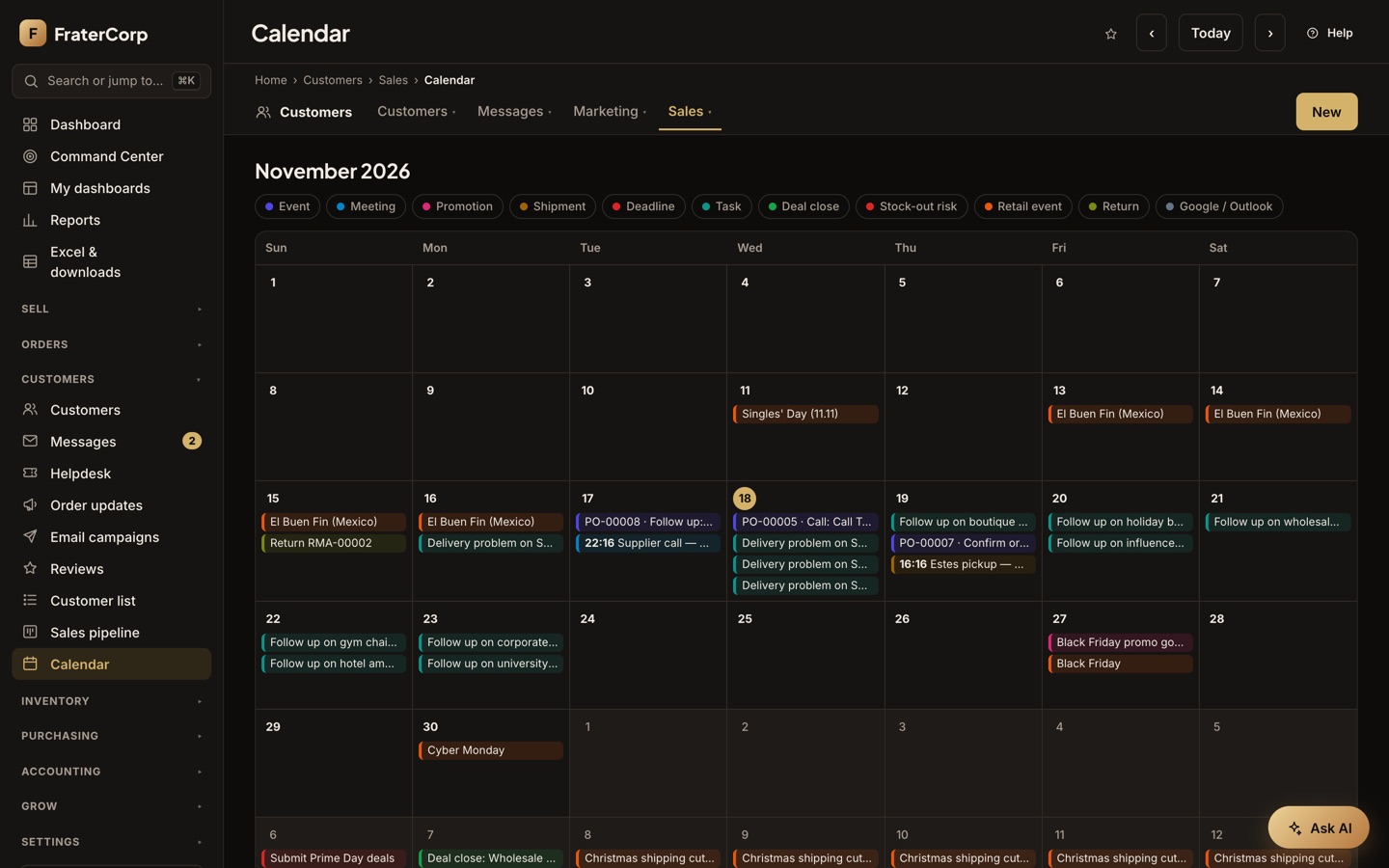
Customer mail, alerts and dates where your team already works.
Days of stock left, stock-out dates and how much to reorder.
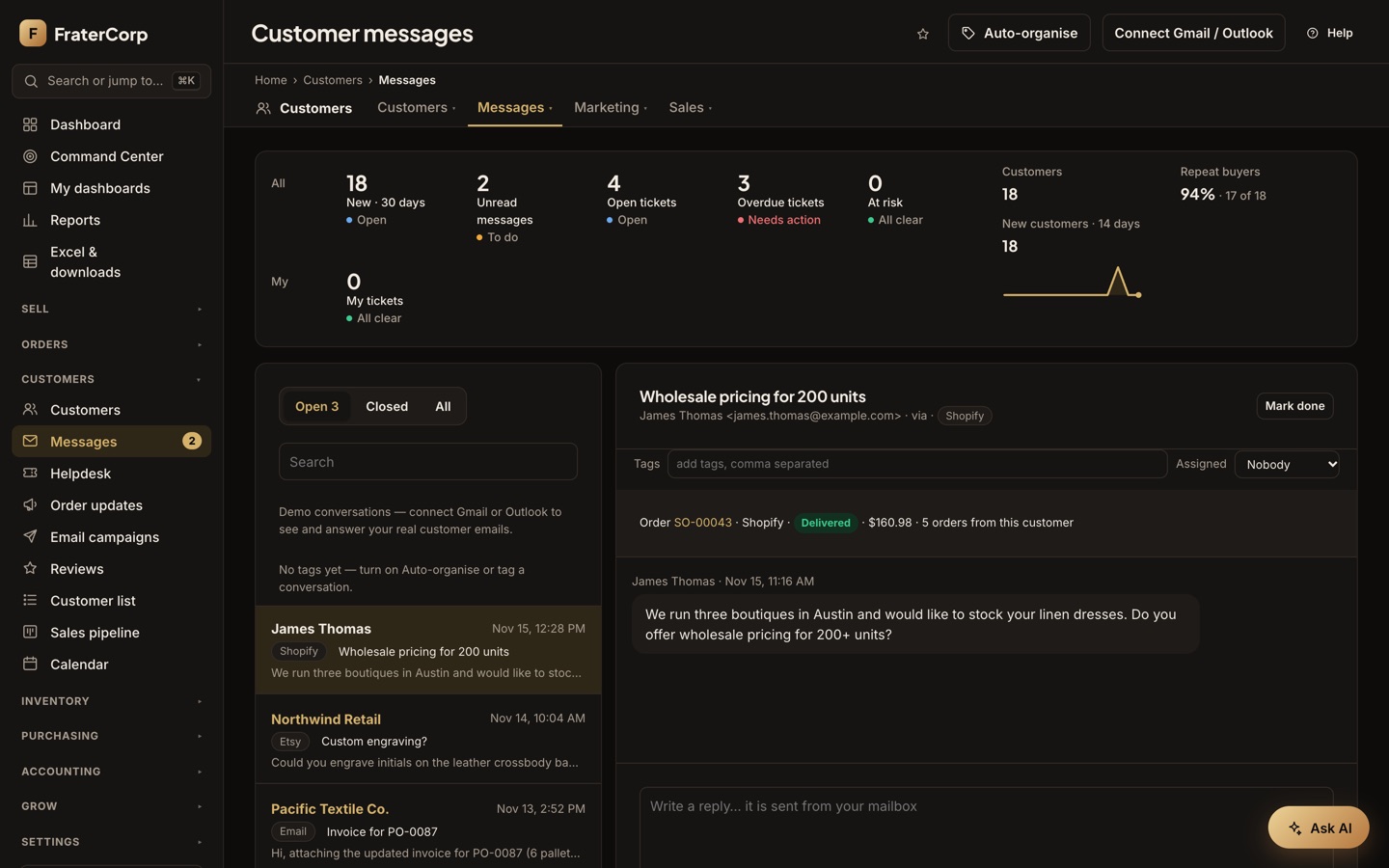
Gmail and Outlook, next to each customer's orders.
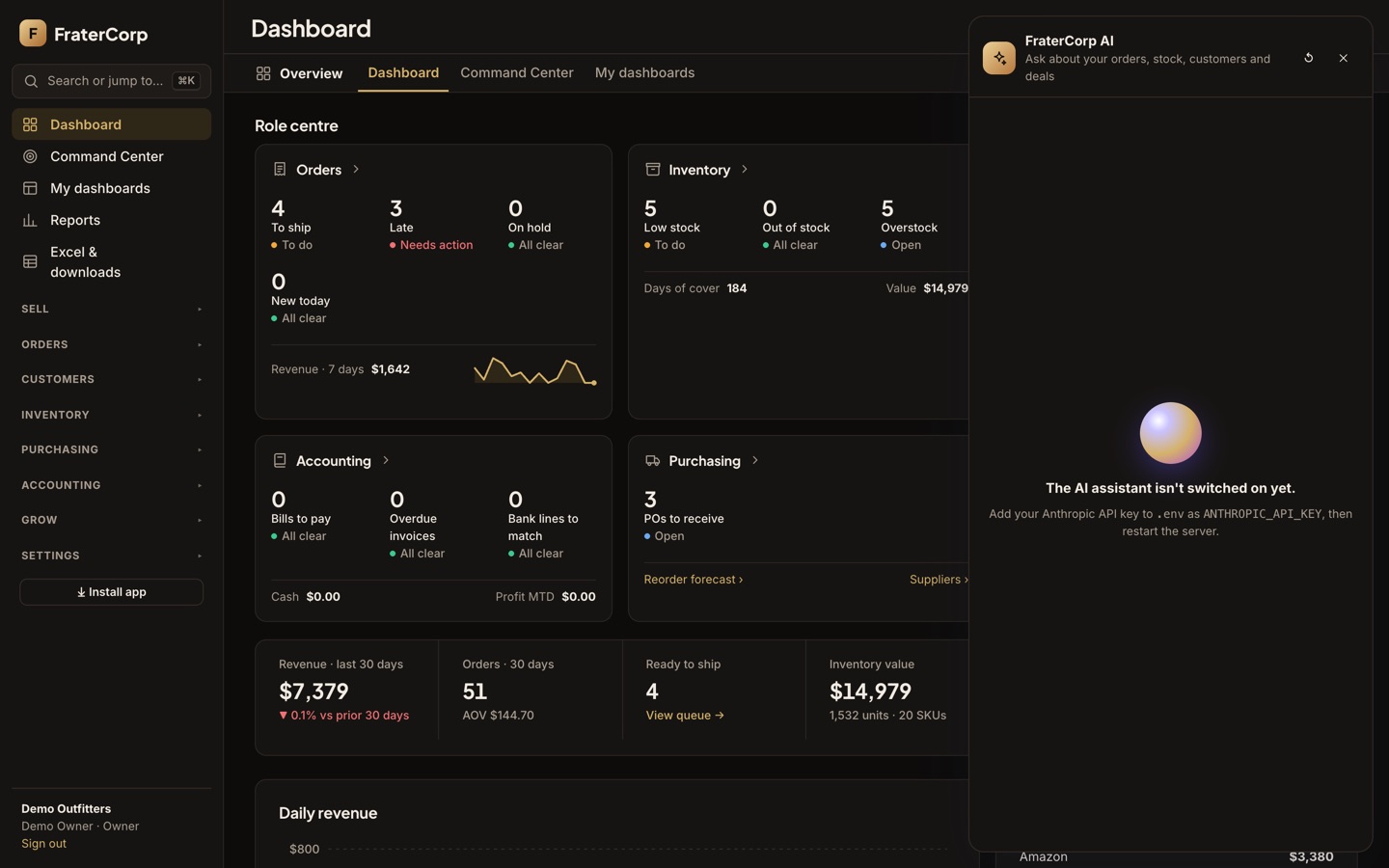
The AI assistant answers from your data and only acts after you confirm.
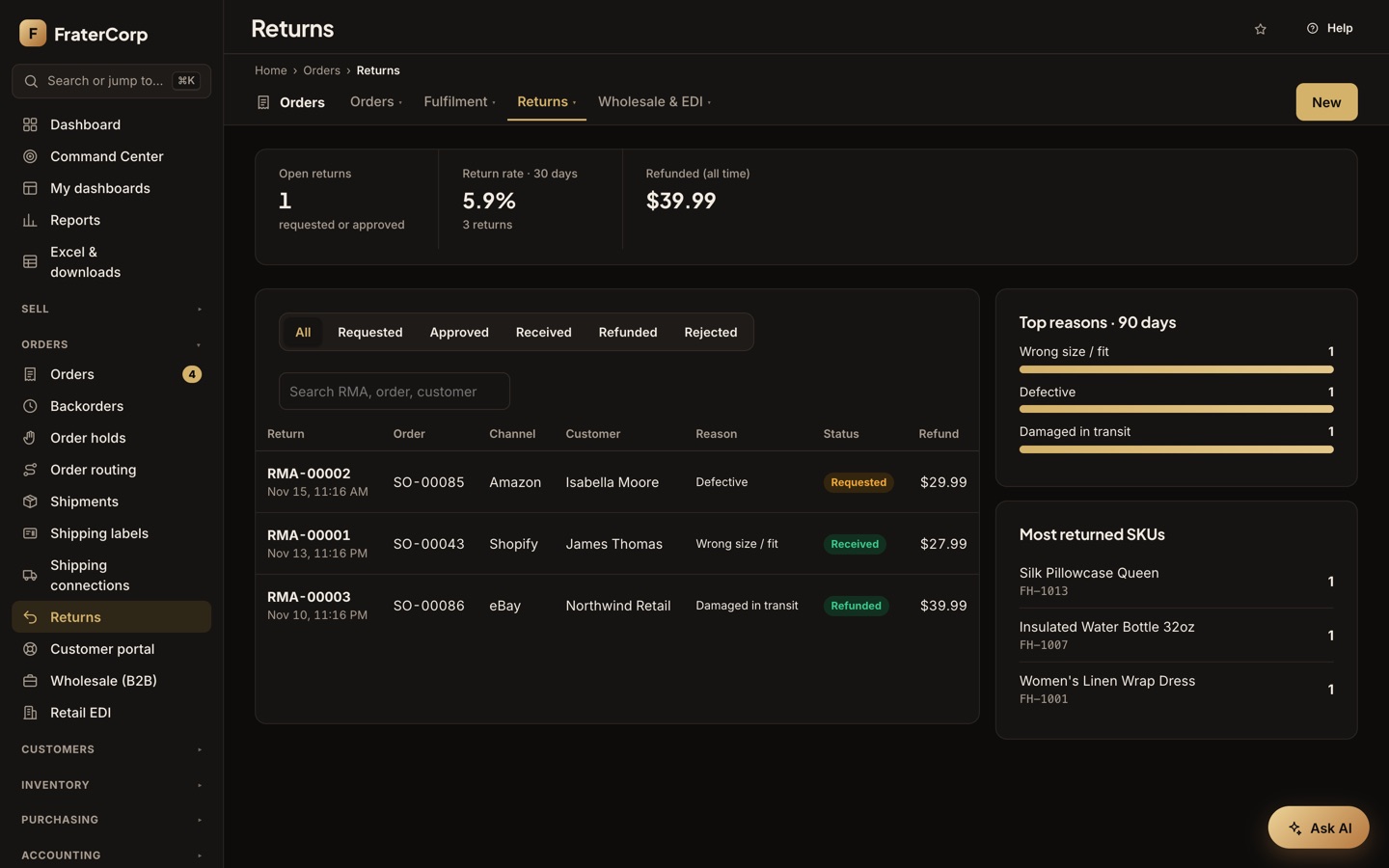
Approve, receive, refund. Resellable units go back to stock.
Google or Outlook, with sales events and deadlines.
3 short steps each. You sign in on Google's or Microsoft's own page, so FraterCorp never sees your password.
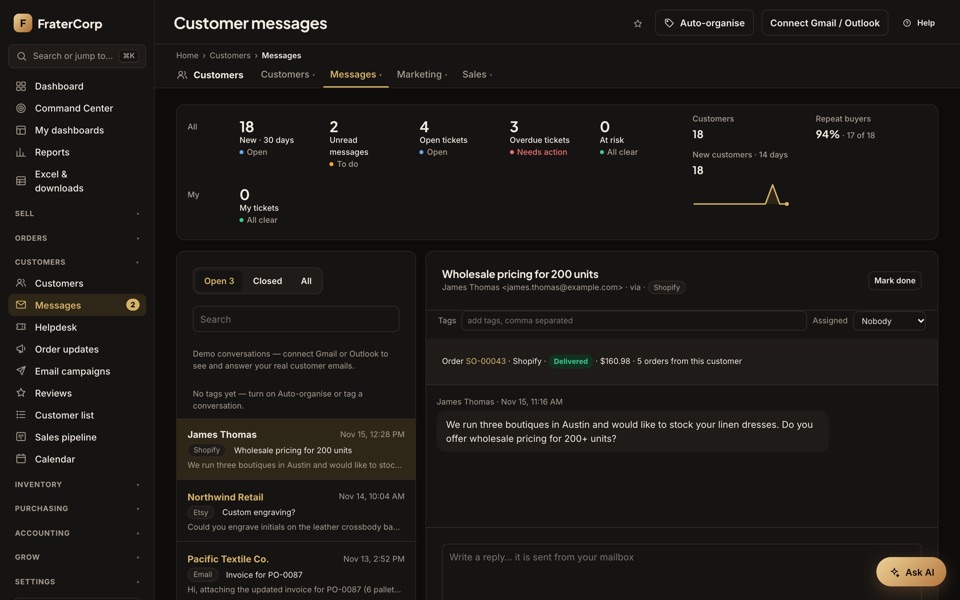
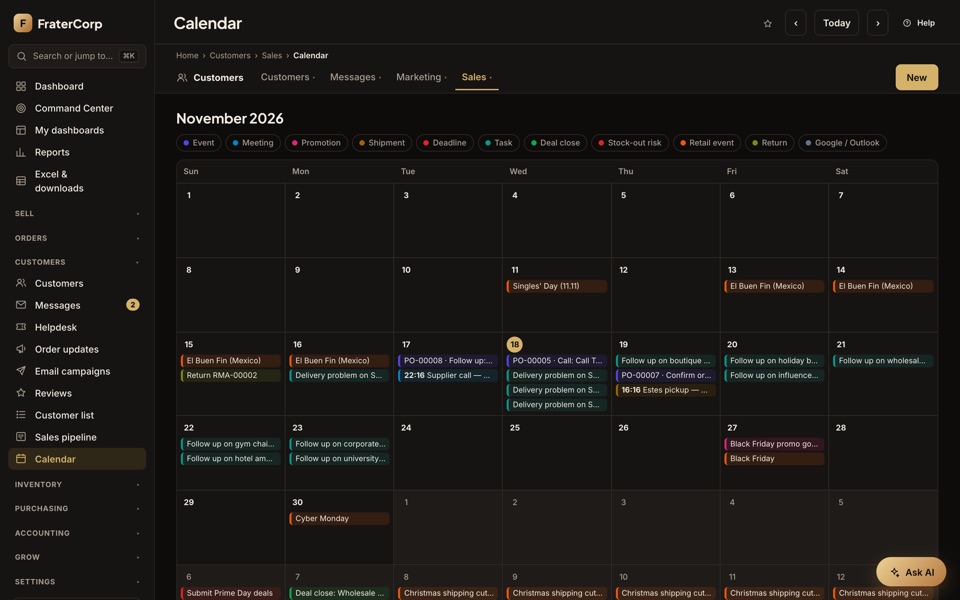
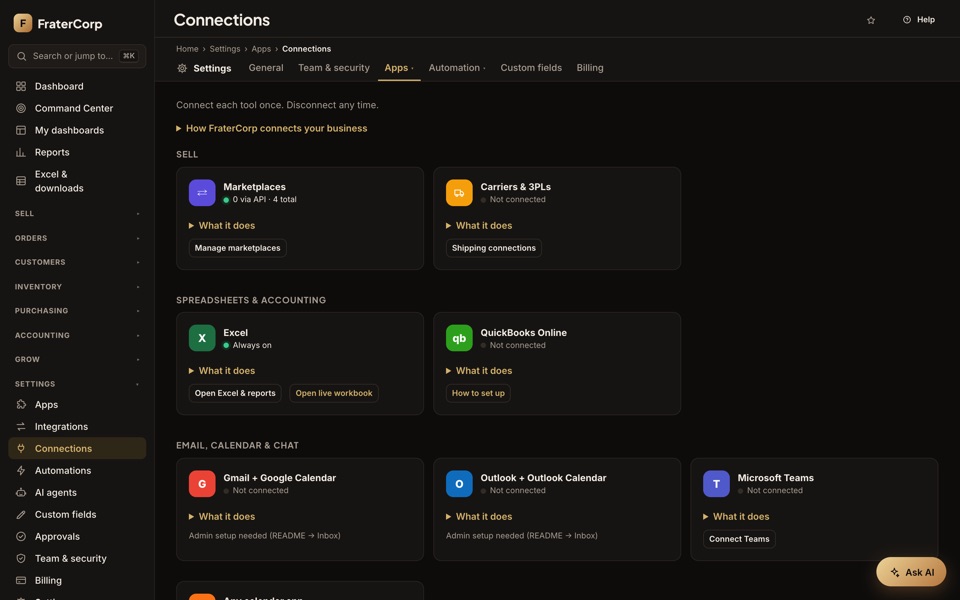
Step-by-step guide: Connect Gmail, Outlook, calendars, tasks and Excel. Remove access any time from your Google or Microsoft account.
Gmail, Google Calendar and Google Tasks are trademarks of Google LLC. Outlook, Microsoft To Do, Microsoft Teams and Excel are trademarks of Microsoft Corporation. Names are shown to indicate integrations. FraterCorp is not affiliated with or endorsed by them.Built for the people who
pack the boxes.
Ask questions, draft policy-safe review replies and reorder on time. Real screens, demo data.
Marketplace and email keys are encrypted before they are stored.
Every query is scoped to your company.
Card details go to Stripe, never to us. Cancel any time.
The assistant suggests. Nothing changes until you confirm.
14-day free trial, no credit card. Billed through Stripe.
For sellers getting organized
For multichannel brands
For high-volume operations
| FraterCorp | General ERP e.g. Business Central, Odoo | Accounting suite e.g. QuickBooks Online Advanced | |
|---|---|---|---|
| All 8 marketplaces built in (Amazon, Walmart, eBay, TikTok Shop, Etsy, Mercado Libre, Shopify, WooCommerce) | add-on / partner | add-on / partner | |
| Live Excel workbook per marketplace | add-on / partner | add-on / partner | |
| Review replies checked against marketplace rules | — | — | |
| Seasonal planning (Prime Day, Black Friday…) | — | — | |
| Ads ACoS / TACoS, FBA shipments, reimbursements | — | — | |
| Pick & pack, goods-in scanning, lots & expiry | — | ||
| General ledger, bank reconciliation, sales tax | |||
| Fixed assets & depreciation, year-end close, FBA in-transit inventory | |||
| Multi-currency, approvals, custom fields | |||
| Typical price for 5 people | $29–$199 / month, flat | ~$400–$550 / month + partner setup | ~$235–$340 / month |
From public price lists, November 2026; prices vary by region and plan. "Add-on / partner" needs an extra app or partner. Names are trademarks of their owners.
This is a preview of the FraterCorp website. The 14-day trial, sign-in and live demo switch on when the app goes live on its own domain.
Connect each marketplace once. Orders sync automatically, every 15 minutes by default, with customers created and stock deducted. Your own site, a POS, Zapier or Make can also post orders to your private webhook URL.
Yes. Upload .xlsx, .csv, .txt, .ods or .json, or start from a template. You can also link a OneDrive or Google Sheets file that is re-imported on a schedule.
Yes. A live workbook of daily orders per platform refreshes itself in Excel, Google Sheets or Power BI, and a dated copy is saved every day. Every report downloads as .xlsx, .csv or .txt.
ShipStation, carrier tracking for UPS, FedEx and USPS, and LTL freight PROs. Daily sales post to QuickBooks Online as sales receipts.
Before a reply is sent, FraterCorp checks it against the platform's review policy and tells you what to change, for example removing a coupon offered for a better rating.
Forecasts use your sales history, weekly patterns and supplier lead times. Each sales event gets a plan with expected demand, stock to buy and a dated prep checklist.
Yes. Every workspace is isolated, and marketplace credentials are encrypted at rest.
Start with a 14-day free trial, no credit card. Then Starter ($29), Growth ($79) or Scale ($199) per month, billed through Stripe. Cancel any time.
Set up in an afternoon. Free for 14 days.